
What is an Amazon scam?
An Amazon scam is designed to trick you into giving up your money, personal information, or account credentials. These scams take many forms, including phishing messages, vishing, fake customer support calls, and fake Amazon websites. To create a sense of urgency, scammers often create fake alerts about account suspension, unauthorized orders, or issues with Prime.
Amazon scams often rely on deception and trust in the Amazon brand, similar to other online shopping scams that target e-commerce platforms. They’re becoming more frequent as cybercriminals gain access to phishing kits and automated tools that make fraudulent messages and websites easier to produce at scale. Since they often target sensitive personal and financial data, Amazon scams can sometimes lead to broader risks such as identity theft, account takeover, or financial fraud.
How do Amazon scams work?
Amazon scams work by using impersonation tactics that make fraudulent messages appear as if they’re from Amazon. Scammers may contact victims and introduce a sense of urgency through email, text messages, phone calls, or fake websites. They then push victims toward a specific response, like clicking malicious links, sharing credentials, or buying gift cards.
Many of the top online scams generally rely on you being too pressured, careless, or scared of the situation, making it easier for criminals to manipulate your behavior. When you feel pressured or distracted, you’re more likely to overlook warning signs. Recognizing these patterns early is key to identifying an Amazon scam before any damage occurs.
Practicing safe online habits is equally important in reducing risk. Avoid sharing sensitive personal information unless the source is fully verified, and make sure to understand how to protect your personal information online. With strong digital hygiene and by staying informed about how Amazon scams operate, you can better protect your account, financial information, and personal data from misuse.
Common Amazon scams
Scams on Amazon take many different forms, from fake listings to fraudulent sellers and phishing attempts. Understanding the most common types can help you recognize warning signs and shop more safely.
1. Amazon impersonation scams
In these scams, fraudsters impersonate Amazon customer service representatives in order to steal your personal information or gain access to your device. They may call you and claim there’s an issue with your account, such as suspicious activity, an unrecognized order, or payment irregularities. They may ask for remote access to your computer or request login details to “fix the issue.”
Knowing how to identify impersonation scams is essential. A key warning sign is unsolicited contact combined with urgency. Legitimate companies like Amazon typically don’t request sensitive information through unexpected calls or messages. If you receive a suspicious request, end the communication and contact Amazon customer service directly through official support channels to verify the claim.
2. Amazon email scams
Amazon mail scams target you through your email inbox. In this scam, fraudsters send phishing emails pretending to be from Amazon, asking you to click on malicious links, verify your Amazon account information, or claim fake rewards. These emails are designed to look convincing, often using branding, formatting, and tone similar to official Amazon notifications.
The best defense against Amazon email scams is caution and verification. Legitimate Amazon emails usually come from official Amazon domains (like @amazon.com or regional variants) and can be checked through your Amazon account’s Message Center. Any unexpected email or communication asking for sensitive information or directing you to external login pages should be treated as suspicious and ignored.
3. Amazon phone call scams
In these scams, scammers impersonate Amazon customer service representatives and contact you, claiming there’s an issue with your account. These calls often involve urgent-sounding problems, like unauthorized login or payment issues. Scammers may also spoof the caller ID to appear legitimate. They typically try to obtain sensitive information, including login credentials, bank account details, or access to your device through remote access software.
However, Amazon will never ask for payment or sensitive data over unsolicited phone calls. If you receive such a call, hang up immediately and call Amazon customer service directly to verify any claims.
4. Amazon text scams
Scammers send you fake text messages pretending to be from Amazon. These messages often claim there’s a problem with your account or an exclusive deal or reward. They typically contain a link that leads to a fraudulent website or downloads malicious software.
Since these scams are designed to prompt immediate action, staying cautious and avoiding interaction with unsolicited links is key. Amazon may send texts if you’ve enabled notifications, but it will never ask for sensitive information via SMS.
5. Amazon phishing scams
Phishing scams often involve scammers attempting to steal your Amazon login details or personal information by directing you to fake websites. These scams typically use emails or text messages containing links to fraudulent pages designed to capture sensitive data.
To reduce the risk of phishing scams, always check the URL. Official Amazon pages are accessed through "amazon.com." It’s important to be careful with unsolicited messages that prompt immediate action or request account verification.
6. Amazon Prime membership scams
These scams often involve fraudsters impersonating Amazon, often claiming that your membership is expiring or has been renewed incorrectly. They may request payment through non-standard methods such as gift cards or cryptocurrency.
Amazon Prime members are high-value targets for scammers since active subscription accounts are more likely to have stored payment methods and an active purchase history. To reduce the risk of fraud, always verify your Amazon Prime status directly through the Amazon app or website.
7. Amazon brushing scams
Brushing scams occur when a third-party seller on Amazon sends unsolicited packages to customers and then writes fake positive reviews for those products to boost their ratings. While the customer doesn’t lose money, their name and address may be used without consent. The fake reviews can also mislead other Amazon customers into believing the product is more popular or reliable than it is in reality.
If you receive an item you didn’t order, report it to Amazon immediately. Reporting can help reduce fraudulent seller behavior on the platform and contribute to a more secure environment for Amazon buyers and sellers.
8. Amazon gift card scams
In this scam, the criminal might claim to be an Amazon customer service representative or a trusted contact to trick you into buying gift cards and sending the redemption codes. They may contact you via email, phone call, or text.
Amazon will never request payment via gift cards. These scams rely on gift cards because they’re difficult to trace, and any lost money is difficult to recover once the codes are shared. If you get a message from Amazon asking you to pay for transactions, fees, or gift cards to solve account issues, it’s most likely a scam attempt.
9. Amazon payment scams
Off-platform payment scams happen when a seller tries to convince you to pay them outside the Amazon platform, claiming that it avoids fees and gives them a bigger cut. When a transaction occurs off-platform, it’s no longer covered by Amazon’s purchase protection policies, making it near-impossible for you to recover your money.
To stay protected, all payments should be completed exclusively through Amazon’s official checkout system. If a seller attempts to move communications or payments off–platform, report it directly to Amazon.
10. Technical support scam
In these scams, you might get a call or pop-up warning that your Amazon account or device has been compromised. The scammer offers fake technical support, usually asking for access to your computer or a payment to fix the supposed issue.
Legitimate support will never demand remote access or immediate payment through unexpected messages or pop-ups.
11. Typosquatting scams
Typosquatting involves a criminal creating fake websites or URLs that closely resemble legitimate brands like Amazon, with the intention of catching users who mistype a website address. For example, an attacker may register a domain like “amzon.com” to trick you into believing you’re on the official site.
The danger of typosquatting extends beyond immediate financial loss. Once a criminal has your personal information or account details from a fake website, they can use it to commit identity theft.
Always double-check website addresses before entering any personal or payment information.
12. Amazon triangle scam
The Amazon triangle scam (also known as triangulation fraud) involves three separate parties: you as the buyer, a fraudulent seller, and a legitimate e-commerce retailer (in this case, Amazon). The scammer lists products for sale at attractive prices, collects payment from the buyer, and then uses stolen credit card data to buy the same item from legitimate retailers. This item is shipped directly to unsuspecting consumers, creating a hidden chain of fraud.
To avoid falling victim to this type of scam, be cautious of brand-new, high-demand items priced significantly lower than market value. Always review seller ratings and customer feedback carefully before making a purchase.
13. Amazon delivery scams
These scams usually involve fraudsters sending fake delivery notices via email, text, or phone call, claiming there’s an issue with your order. They ask you to verify personal details or click on malicious links to resolve the issue. In reality, these links often lead to phishing websites.
Always track deliveries through your Amazon account and ignore unsolicited delivery notices, especially ones promising that your order would “arrive early” if you reply to them. In certain cases, scammers may reference recent orders to appear more convincing.
14. Fake refund scams
Scammers may contact you and claim that you’re eligible for a refund on an order. You may be asked for your personal or financial information to "process the refund." In other cases, scammers instruct users to return the item and pay extra for shipping.
In both scenarios, the attacker is trying to obtain information or payments you might normally provide without hesitation because you’ve already received the item. These scams rely on the expectation of a benefit, such as getting a better deal or addressing a bad product you may have received, to prompt quick action. If you don’t remember requesting a refund or encountering an issue, verify it independently.
15. Hijacked listing scams
In this scam, fraudsters hijack legitimate Amazon product listings and sell counterfeit or subpar products under the guise of a popular brand. They often lower the price to attract unsuspecting buyers and encourage quick purchases.
While this type of scam usually targets your money rather than your personal data, it can still cause significant losses, especially if you’ve purchased a high-cost item and received a product that’s fake or not as described. To avoid this scam, be wary of unusually low prices or sellers with no reviews.
16. Mystery box scams
In mystery box scams, sellers offer "mystery boxes" or "surprise items" for sale at a low price. When customers order, they receive low-quality or completely unrelated products, sometimes even nothing at all.
These scams are particularly appealing to those who want to try their luck at getting a “premium” item at a fraction of the cost. However, “mystery box” items are rarely what they seem, tricking buyers into purchasing repeatedly. Over time, these small transactions can add up, leaving you out of pocket without receiving anything worthwhile.
17. Amazon FBA scams
Scammers may promote Amazon stores or courses that promise fast, passive income with little effort. You may be told that experts will handle everything for a large upfront fee. However, these services are often low-quality, outdated, or completely ineffective.
These scams rely on the appeal of easy income. While selling through Amazon FBA is legitimate, building a profitable store takes time and effort. If a business opportunity guarantees quick returns, it’s best to approach it with caution.
18. Amazon job scams
With Amazon job scams, fraudsters post fake Amazon job listings, asking you to provide personal information or pay for "training" or equipment. However, the job doesn’t exist, and the scammer’s objective is to convince you to pay upfront fees or provide sensitive information.
Amazon doesn’t ask for payment at any stage of the hiring process. Even if you’ve applied for a role and received a message, it’s important to verify the sender to avoid falling for phishing attempts.
19. Account suspension scams
Scammers may send fake emails claiming that your Amazon account has been suspended due to suspicious activity. They ask you to click a link and "reactivate" your account, which leads to a phishing site designed to steal your credentials.
These scams rely on you panicking to succeed, so staying calm is key. Taking a moment to verify the message can help you avoid handing over your login details to fraudsters. If you receive a suspension notice, go directly to Amazon’s official website to check the status of your account. You can also contact customer support through legitimate channels to confirm any account issues.
20. Account takeovers
Account takeovers happen when scammers manage to steal your Amazon account login credentials (via different types of phishing, data breaches, or other means) and use your account for fraudulent purchases. They may change your password, delivery address, or payment methods. In more severe cases, they may use your compromised account data as a stepping stone for broader identity theft or credit card fraud.
If you’re wondering, “someone used my card on Amazon — how did this happen,” it often points to an account takeover or phishing attempt. To strengthen account security, enable two-factor authentication, use strong and unique passwords, and immediately report any suspicious activity.
How to identify an Amazon scam
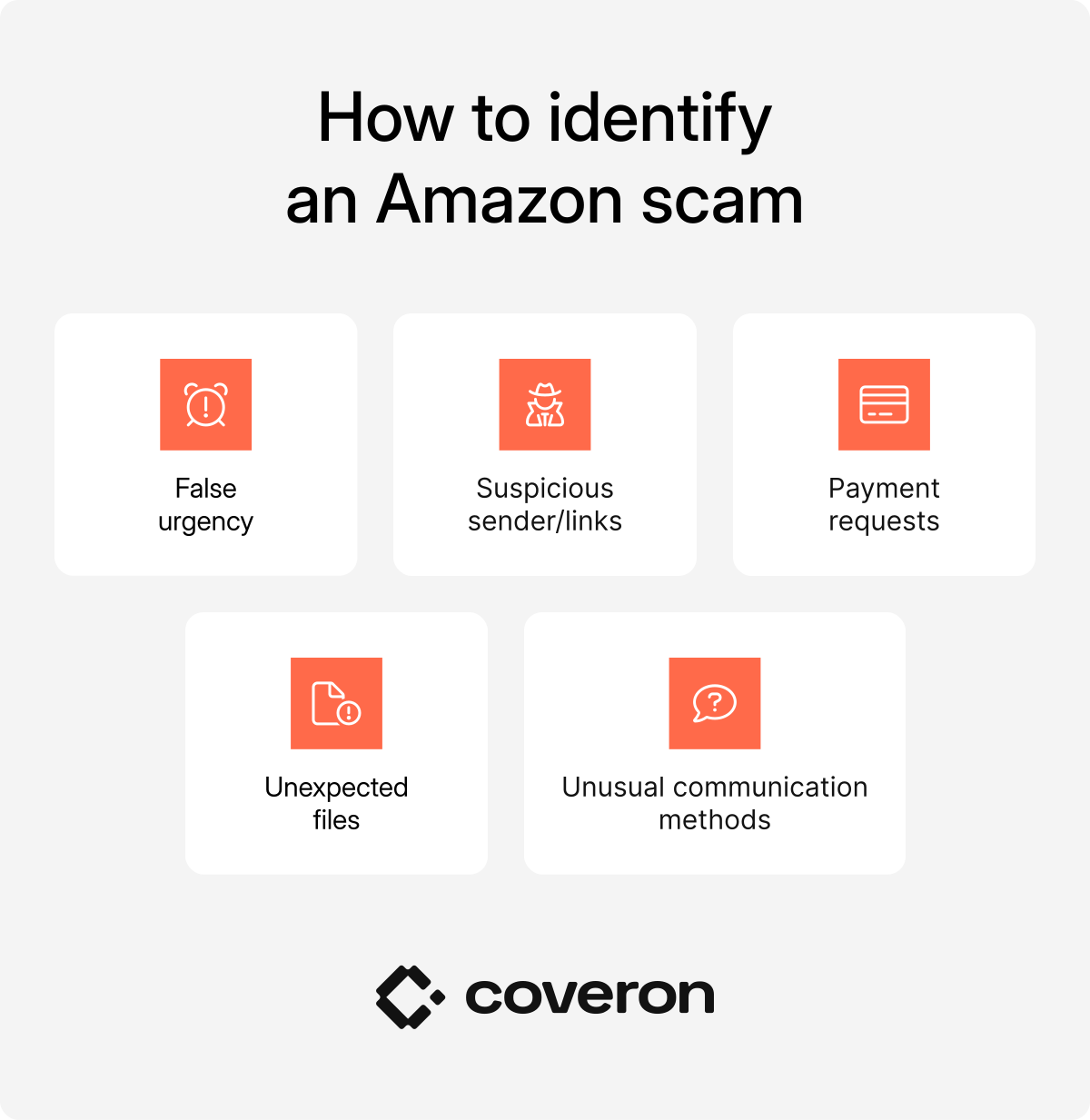
Recognizing the common warning signs of an Amazon scam can help you avoid falling victim to phishing attempts or fraudulent requests:
- False urgency. Scammers usually claim there’s a problem with your account, recent purchase, or other Amazon-related activity that needs to be solved immediately.
- Suspicious sender/links. Messages come from unknown numbers or email addresses that don’t match Amazon’s official domains.
- Payment requests. All Amazon purchases and payments should always be processed directly through the Amazon platform. Any attempt to use off-platform payments is a common indicator of fraud.
- Unexpected files. Amazon will never send you any files or ask you to download files via email or messaging apps.
- Unusual communication methods. Be cautious if you receive a message claiming to be from Amazon through messaging apps, social media platforms, or other unofficial channels.
How do I identify an Amazon impersonation scam?
If you suspect you may be the target of an Amazon impersonation scam, look for several key warning signs:
- Unsolicited contact. Scammers often initiate unexpected communication by email, phone call, or text message. They pose as Amazon representatives and claim there’s a problem with your order, account, or payment. Some may claim to be from the Amazon fraud department and say that your account was hacked.
- Urgent, threatening, or unprofessional language. Statements such as “your account will be locked” or “unauthorized purchase detected — act now” are designed to pressure you into reacting quickly without thinking.
- Requests for sensitive information. Amazon will never ask for passwords, one-time passcodes, or payment details via email, text, or phone.
- Suspicious links or contact details. Scam messages often include links that closely resemble Amazon’s website but contain subtle misspellings or altered domains. It’s safer to access your account directly through the official Amazon mobile app or website.
- Unusual payment methods. If you’re requested to pay using gift cards, wire transfers, or cryptocurrency, it’s likely a scam.
If anything feels unusual, don’t engage with the message. Log in to your Amazon account directly or contact official support to verify the claim. Report suspicious phone calls and other suspicious communications to Amazon if you receive any.
How to avoid scams on Amazon
Staying safe on Amazon requires ongoing vigilance. Scammers constantly adapt their tactics, so you need to consistently apply strong security habits when shopping, communicating, and managing your account.
- Shop and manage orders only through official channels: Access Amazon by typing the website directly into your browser or using the official Amazon app. Avoid clicking links in unsolicited emails, texts, or pop-ups.
- Enable two-factor authentication (2FA): Turn on 2FA or multi-factor authentication (MFA). Even if your password is compromised, access can’t be granted without a secondary verification code.
- Verify sellers before buying: Review seller ratings, customer feedback, and how long they’ve been active. Be cautious with new sellers offering unusually large discounts.
- Ignore urgent or threatening messages: Messages that pressure you to act immediately (e.g., claims that your account is suspended or payment is required to avoid penalties) are common scam tactics.
- Never share sensitive information: Don’t share your password, one-time codes, or banking details through calls, emails, or messages.
- Avoid unusual payment methods: Only pay through Amazon’s official checkout system — never via gift cards, bank transfers, or cryptocurrency.
- Double-check sender details and links: Look closely at the sender’s address and inspect links before clicking to ensure they lead to the real Amazon domain.
- Track orders directly in your account: Don’t rely solely on delivery texts or emails. Check your order status directly in your Amazon account.
- Keep your devices and apps updated: Regular updates help protect against security vulnerabilities and malware that scammers may use to steal personal information.
- Report suspicious activity immediately: If you notice unusual orders or security alerts and notifications, report them to Amazon right away and change your password.
Pro tip
For added protection, consider using advanced security solutions like Coveron, which offers scam protection, credit monitoring, and identity theft recovery.
How to report an Amazon scam if you fell for it
If you suspect you’ve fallen victim to an Amazon-related scam, acting quickly is essential to limit damage.
Report the incident to Amazon support
Report the issue directly to Amazon through its “Report something suspicious” feature or by contacting customer service via the official app or website. Include any relevant details, such as suspicious emails, texts, calls, or seller information. Check your account immediately for unauthorized orders or changes.
Secure your Amazon account
Change your Amazon password right away, and enable two-factor authentication. If you reused the same password on other services, update the password on those accounts as well to prevent further compromise.
Contact your bank or card issuer
If any financial details were exposed or unauthorized charges occurred, report them to your bank or payment provider immediately. Request a chargeback or dispute the transactions. You can also ask whether your card should be locked or replaced to avoid further fraudulent purchases. As an additional safeguard, inquire about their financial account monitoring options.
Report to the Federal Trade Commission (FTC)
File a report at reportfraud.ftc.gov. Doing so helps authorities track scam activity patterns and issue warnings that can help prevent other users from becoming victims of similar scams.
Place a fraud alert or freeze your credit
Contact major credit bureaus like Equifax, TransUnion, or Experian. A fraud alert warns lenders to take extra steps to verify your identity. Meanwhile, learning how to freeze your credit can help you block new accounts from being opened in your name.
Scan your device for malware
If you clicked suspicious links or downloaded files/email attachments, run a full security scan on your device to remove any malicious software. If possible, also check your home network and connected devices since malware can sometimes spread beyond a single device.
Watch for follow-up scams
Be cautious of additional messages claiming to help you recover lost funds or secure your account. Scammers may attempt to target you again by posing as recovery support.
Get notified and act immediately.
30-day money-back guarantee